







Outlook on Windows Quick Start Email Setup
Add email to (Microsoft) Outlook on Windows
- Open Outlook. (Don't have the app? Here's how to download it.)
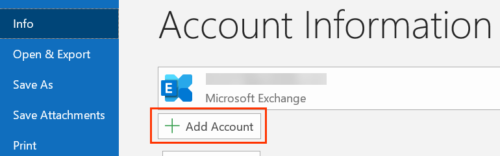
- Select File, and then select + Add Account.
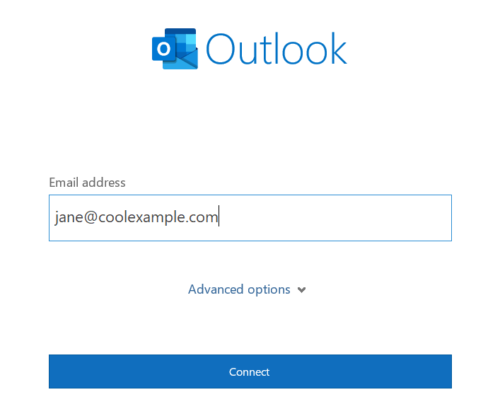
If you haven't opened Outlook before, you'll see a welcome screen. - Enter your Microsoft 365 Email address and select Connect.
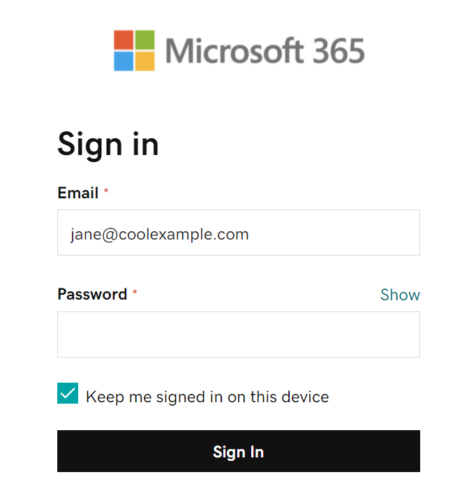
- Enter your Microsoft 365 Password and select Sign In. If asked, choose if you want to use this account everywhere on your device.
 Note: You might need to choose your account type as Work or School to continue.
 - Once Outlook shows that the email was added, select Done.
 Note: You might need to choose your account type as Work or School to continue.